Digital Art Track

Master the Art of Storytelling.

Turn doodles into pro-level digital illustrations. Go from sketches and shading to anatomical structures, light dynamics, scenic concept art, and high-fidelity texture illustration. No fluff, no shortcuts—learn the real skills designed for creative professionals.
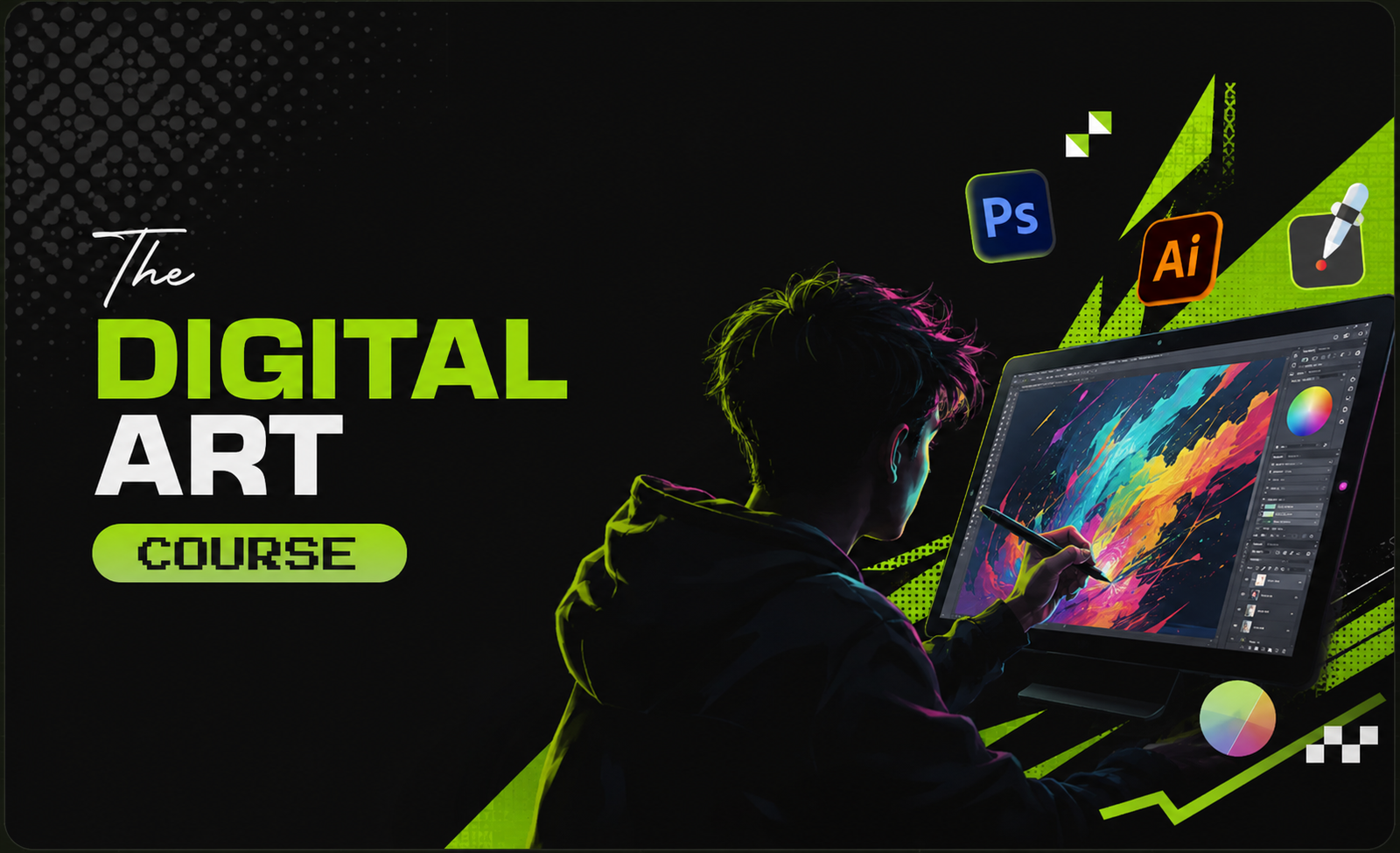
Digital Art Concept illustration
Accreditations: ISO 9001:2015, NSDC, Skill India
Duration
16 Weeks
Effort
10+ Hours/Week
Delivery
Studio Practicals
Intake Cohort
Limit 12 Seats

Course Roadmap.

Module 01

Introduction to Hand-Drawn Sketches

  • Overview of sketching tools and choosing the right materials
  • Understanding human anatomy and basic anatomical sketch exercises
  • Master shading techniques and light sources for depth and dimension
Module 02

Adobe Illustrator Essentials

  • Familiarization with the Illustrator workspace and setup
  • Vector graphics, typography layouts, and color palette schemes
  • Tracing images, building vector portraits, and custom brush designs
  • Developing a comprehensive, ready-to-publish illustration project
Module 03

Adobe Photoshop Fundamentals

  • Navigating the Photoshop interface and mastering layer structures
  • Essential tools, blending styles, and techniques for photo manipulation
  • Designing and painting an original concept matte painting environment
  • Executing a high-detail digital painting illustration workflow
Module 04

Digital Painting with Procreate

  • Introduction to the Procreate tablet workspace and shortcuts
  • Understanding brush dynamics, pressure curves, and brush creation
  • Human illustration, character design sheets, and pose layouts
  • Completing a final, industry-standard portfolio project in Procreate

Syllabus Outcomes.

01 / OUTCOME
Digital Drawings
02 / OUTCOME
Block Stamps
03 / OUTCOME
Abstract Art
04 / OUTCOME
Digital Watercolour
05 / OUTCOME
Animated Art
06 / OUTCOME
Character Design
07 / OUTCOME
Portrait Illustration
08 / OUTCOME
Matte Painting
09 / OUTCOME
Sketching

Tools you will Master.

Procreate Procreate
Adobe Photoshop Adobe Photoshop
Adobe Illustrator Adobe Illustrator

Frequently Asked Questions.

Unlike standard illustration classes that only teach software interfaces, our course begins with traditional hand-drawn sketching techniques, shading, and anatomical structures. We focus on outcome-first projects so you build a solid, industry-grade portfolio.

You will learn the entire digital art workflow: sketching fundamentals, vector-based illustration in Adobe Illustrator, advanced photo editing and matte painting in Photoshop, and digital painting techniques using Procreate on tablets.

No prior drawing or software experience is required. We start from absolute basics. If you are learning Procreate, having an iPad with an Apple Pencil is recommended but not mandatory for the overall course structures.

Braand School offers lifetime access to our alumni network, placement assistance, portfolio reviews, and ongoing workspace opportunities. We stand by our promise to help you secure real-world opportunities.

Yes, we offer flexible interest-free installment options for all our cohort programmes. Get in touch with our admissions team via WhatsApp to find a plan that works for you.

Upcoming Intake

Unleash your
artistic voice.

Batch sizes are limited to 12 students to guarantee personal mentorship. Submit your details below to schedule a free demo session.

550+
Students trained
96.1%
Placement Rate
45+
In Class Braand

By submitting, you agree to receive updates via WhatsApp.